
Scene 01Prompt to master1080p · 24fps
Create videos that
look impossible.
Cinematic scenes, music videos and commercials from a sentence — with the same character, the price on screen before you spend it, and the sound already mixed in.
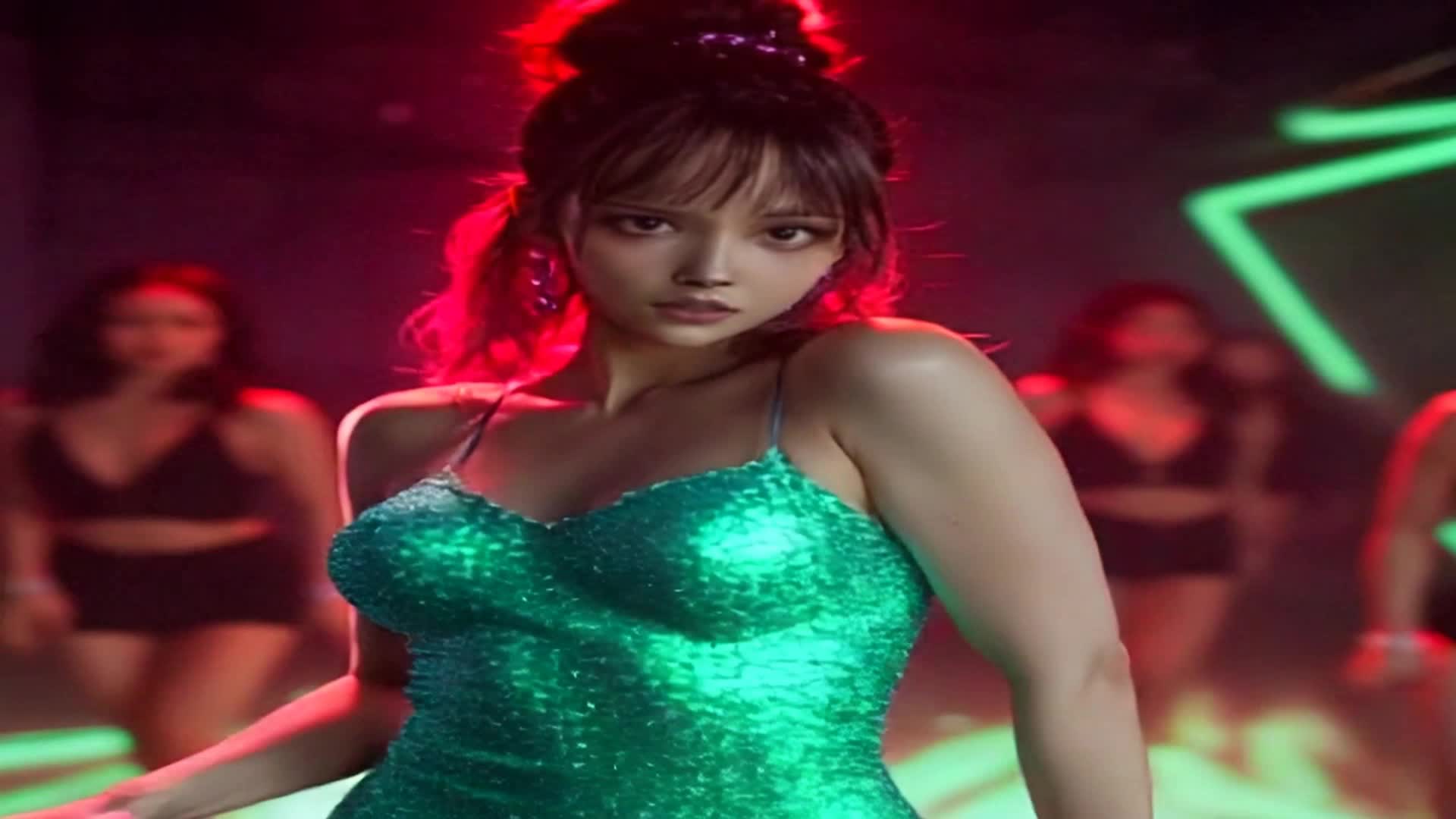
The showcase
From imagination to cinema.
Every frame below was generated on this platform from a single prompt. Hover any tile to read the exact prompt that produced it.
Why Qmotion
The difference shows up
in the second scene.
Any tool can make one good-looking shot. Holding one character, one budget and one look across a whole video is where most of them come apart.
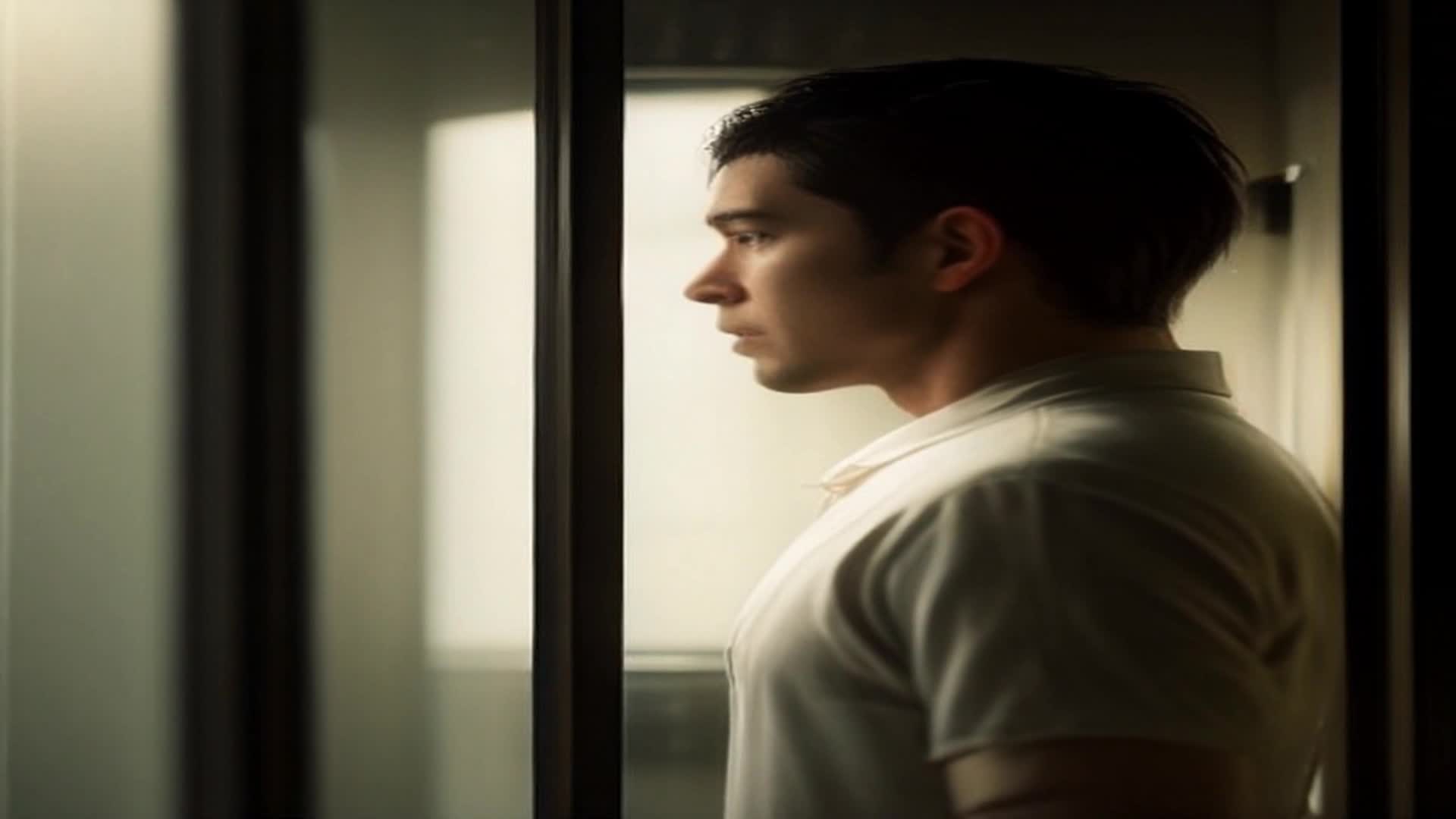
The Doorway
One prompt → script → scene plan → face-locked still → motion. Made on Qmotion.
What you actually get, side by side.
Compared honestly, capability by capability. Where a tick would overstate it, the cell says so instead.
Same face in every scene
Face-lock builds a still that holds one identity, and that still is the frame the motion is generated from.
- Qmotion
- Same face in every scene — Qmotion: Yes
- Most AI video tools
- Same face in every scene — Most AI video tools: No
- Traditional production
- Same face in every scene — Traditional production: Yes, You hired the actor
Choose your engine per scene
Pick the engine per scene, and see its real credit cost before you generate.
- Qmotion
- Choose your engine per scene — Qmotion: Yes
- Most AI video tools
- Choose your engine per scene — Most AI video tools: Partial, Rarely priced per scene
- Traditional production
- Choose your engine per scene — Traditional production: No
Open-source engines, self-hosted
Wan 2.2 and LTX-Video (Apache 2.0) run on our own GPUs, so the base tier pays no third-party API markup.
- Qmotion
- Open-source engines, self-hosted — Qmotion: Yes
- Most AI video tools
- Open-source engines, self-hosted — Most AI video tools: No
- Traditional production
- Open-source engines, self-hosted — Traditional production: No
Credits back when a render fails
A generation that fails after its automatic retries returns the credits on its own. No support ticket.
- Qmotion
- Credits back when a render fails — Qmotion: Yes
- Most AI video tools
- Credits back when a render fails — Most AI video tools: No
- Traditional production
- Credits back when a render fails — Traditional production: No, Reshoot day
Cost checked before anything runs
Every scene is priced against your balance before the job is queued — the number is on screen while you choose.
- Qmotion
- Cost checked before anything runs — Qmotion: Yes
- Most AI video tools
- Cost checked before anything runs — Most AI video tools: Partial, Plan-level only
- Traditional production
- Cost checked before anything runs — Traditional production: No
Music, voice-over and captions included
Generated, timed and mixed inside the same project — not sold as separate products.
- Qmotion
- Music, voice-over and captions included — Qmotion: Yes
- Most AI video tools
- Music, voice-over and captions included — Most AI video tools: Partial, Often add-ons
- Traditional production
- Music, voice-over and captions included — Traditional production: Partial, Separate vendors
Retake one scene, keep the rest
Edit, regenerate or retake a single scene instead of re-rolling the whole video.
- Qmotion
- Retake one scene, keep the rest — Qmotion: Yes
- Most AI video tools
- Retake one scene, keep the rest — Most AI video tools: Partial, Clip-by-clip, not a cut
- Traditional production
- Retake one scene, keep the rest — Traditional production: Yes, At full crew cost
Disallowed prompts blocked up front
Content moderation runs before a prompt ever reaches a GPU.
- Qmotion
- Disallowed prompts blocked up front — Qmotion: Yes
- Most AI video tools
- Disallowed prompts blocked up front — Most AI video tools: Partial, Varies widely
- Traditional production
- Disallowed prompts blocked up front — Traditional production: No
- Included
- Partly, or varies by tool
- Not available
No card required. Every engine's price is shown before you generate, and a failed render gives the credits back.
Start with 100 free creditsEngines & pricing
Pick the engine. See the price. Then generate.
Not every shot deserves the expensive engine. Rough out a sequence on the cheap ones, then spend the credits where the audience will actually be looking.
- Per-scene cost shown before you commit to a render
- Self-hosted open-source engines at the low end
- Switch engines per scene, not per project
- Start on 100 free credits
- Automatic — self-hosted open sourceLet the platform pick3
- Draft — self-hosted open sourceCheap iteration passes3
- Fast — self-hosted open sourceQuick usable takes4
- Premium — self-hosted open sourceThe everyday quality bar5
- Ultra — external engineSharper motion, more detail8
- Dream — external engineStylised, dreamlike motion10
- Cinematic — external engineFilm-grade camera work12
- Film — external engineThe hero shot20
How it works
Turn an idea into a scene.
You write one line. The platform writes the script, breaks it into shots, and renders each one — and you can retake any single scene without touching the rest.
“A detective enters an abandoned hotel at midnight.”
INT. LOBBY — NIGHT. Dust hangs in a single shaft of moonlight. Footsteps echo across cracked marble as a lone figure steps through the doorway, flashlight cutting the dark.
- Wide shot
- Medium shot
- Close-up
- Tracking shot
Rendering
Motion & lighting
Who it's for
Built for every kind of creator.
Short films, ads, product videos and music videos all run through the same studio — with the music, voice-over and captions generated alongside the picture.
Creators
YouTube, TikTok & Instagram

Marketing Teams
Ads & campaigns
Businesses
Product videos
Filmmakers
Cinematic scenes
Musicians
Music videos, original or cover
E-commerce
Product ads
Pricing
Start free. Scale when you're ready.
Credits buy scenes, and every engine's per-scene cost is on screen before you spend them. A render that fails after its retries gives the credits back.